
Overview
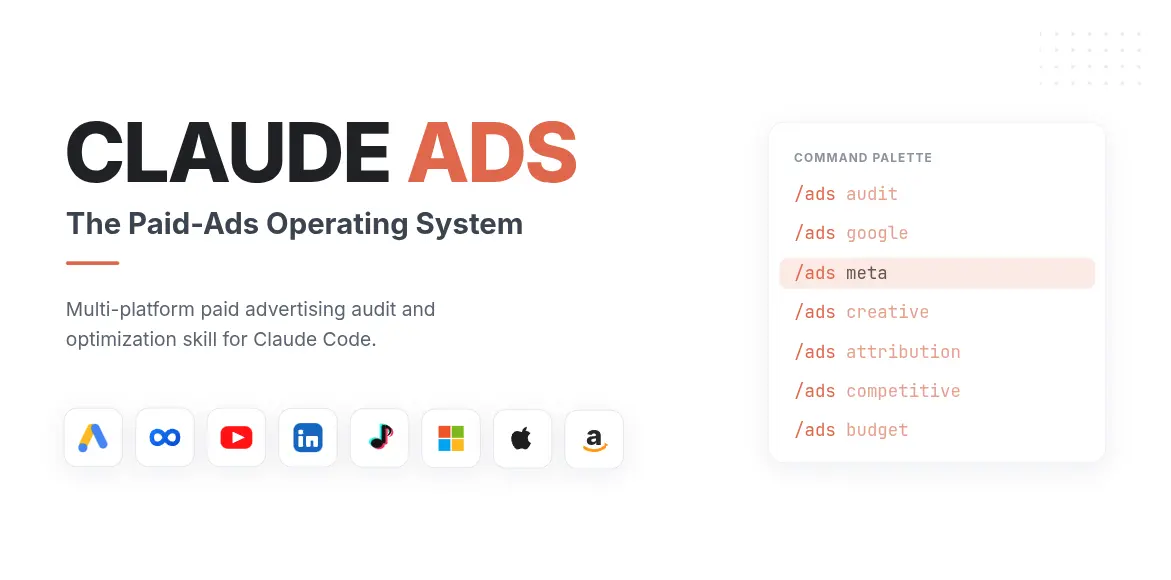
ads-snapchat is an open-source marketing skill for Claude Code and compatible agents, published by AgriciDaniel. Its author describes it as: “Audit Snapchat Ads measurement, Snap Pixel and Conversions API, mobile and app campaigns, creative, AR and catalog formats, audiences, budgets, brand safety, and reporting. Use for Snapchat Ads, Snap Ads, Snap Pixel,…”. The project has 8.2k stars on GitHub and is available under the MIT license. Add it to your setup with `/plugin marketplace add AgriciDaniel/claude-ads`.
What ads-snapchat does
1. Read the main `ads` operating contract and thinking framework. 2. Collect business objective, account age, date window, timezone, currency, spend, conversion definition, and available exports or authenticated reads. 3. Read `ads/references/snapchat-audit.md` and relevant shared measurement, benchmark, creative, policy, and scoring references. 4. Normalize the account data and preserve source lineage. 5. Evaluate only applicable controls across measurement, account and ad-squad structure, mobile creative, AR and catalog formats, audiences, budget, reporting, and brand safety. 6. Return schem…
What’s inside
The SKILL.md for ads-snapchat is organised into these sections:
- Procedure
- Boundaries
- Output
Installation
Add ads-snapchat to your agent with:
/plugin marketplace add AgriciDaniel/claude-adsReview a skill’s source before installing it — skills can instruct your agent to run commands. This command comes from the skill’s public repository, which is the source of truth for setup steps. New to skills? Read how to install Claude Code skills.
Supported agents
- Claude Code — ships a claude code plugin marketplace
License
ads-snapchat is published under the MIT license.
Strengths
- Clear MIT license — safe to read and adapt within its terms
- Ships in AgriciDaniel/claude-ads, an established project with 8,200 GitHub stars
- Works with Claude Code
- Actively maintained — repository updated in the last 90 days
Author
Topics
Frequently asked questions
- What does ads-snapchat do?
- Audit Snapchat Ads measurement, Snap Pixel and Conversions API, mobile and app campaigns, creative, AR and catalog formats, audiences, budgets, brand safety, and reporting. Use for Snapchat Ads, Snap Ads, Snap Pixel, Snapchat Conversions API, AR Lens ads, app-install campaigns, or Snapchat dynamic product ads.
- How do I install ads-snapchat?
- Run /plugin marketplace add AgriciDaniel/claude-ads in your agent, then reload your skills. Review the source at https://github.com/AgriciDaniel/claude-ads before installing.
- Is ads-snapchat free to use?
- Yes. ads-snapchat is free and open source under the MIT license, so you can read, run, and adapt it within that license's terms.
- Which agents does ads-snapchat work with?
- ads-snapchat lists Claude Code — named in its SKILL.md, its plugin marketplace or its repository topics. Skills use the portable SKILL.md format, so other agents that read that format may load it too.
- Where does ads-snapchat come from?
- ads-snapchat ships inside AgriciDaniel/claude-ads, a repository that contains 35 catalogued skills in total. The repository's 8,200 GitHub stars apply to that whole collection, not to this skill on its own.